Skip to content
Jamanvar by Kelviontech

Captain Ordering

Orders taken at the table, fired to the kitchen in a tap.

Your captains take the order at the table on a handheld and fire it to the kitchen in one tap. No paper slips, and no walk back to the terminal.

Captain Ordering, shown with sample restaurant data.

What it does

The order goes to the kitchen, not into a pocket

The old way has a lot of steps where things can go wrong. A captain scribbles an order, walks it to the counter, someone punches it in, and someone else carries the slip to the kitchen. Between the guest's words and the chef's ticket, a "no chilli" can get lost or an extra naan can be forgotten. The guest waits, and never knows why.

With Captain Ordering, the captain has an Android handheld and takes the order right at the table. Items, seat numbers and kitchen notes go in on the spot. One tap on confirm, and the KOT fires: straight to the right station, straight into the live bill. The whole order takes under fifteen seconds to punch.

It suits a busy floor, too. Captains can move from table to table without losing an order that's half-entered, so a summons from another guest doesn't mean starting over. The handhelds are built for the job, with all-day battery and a drop-proof casing, because a device that dies at eight o'clock helps nobody.

A good fit for full-service dine-in and fine dining, where attentive table service matters and every order needs an owner.
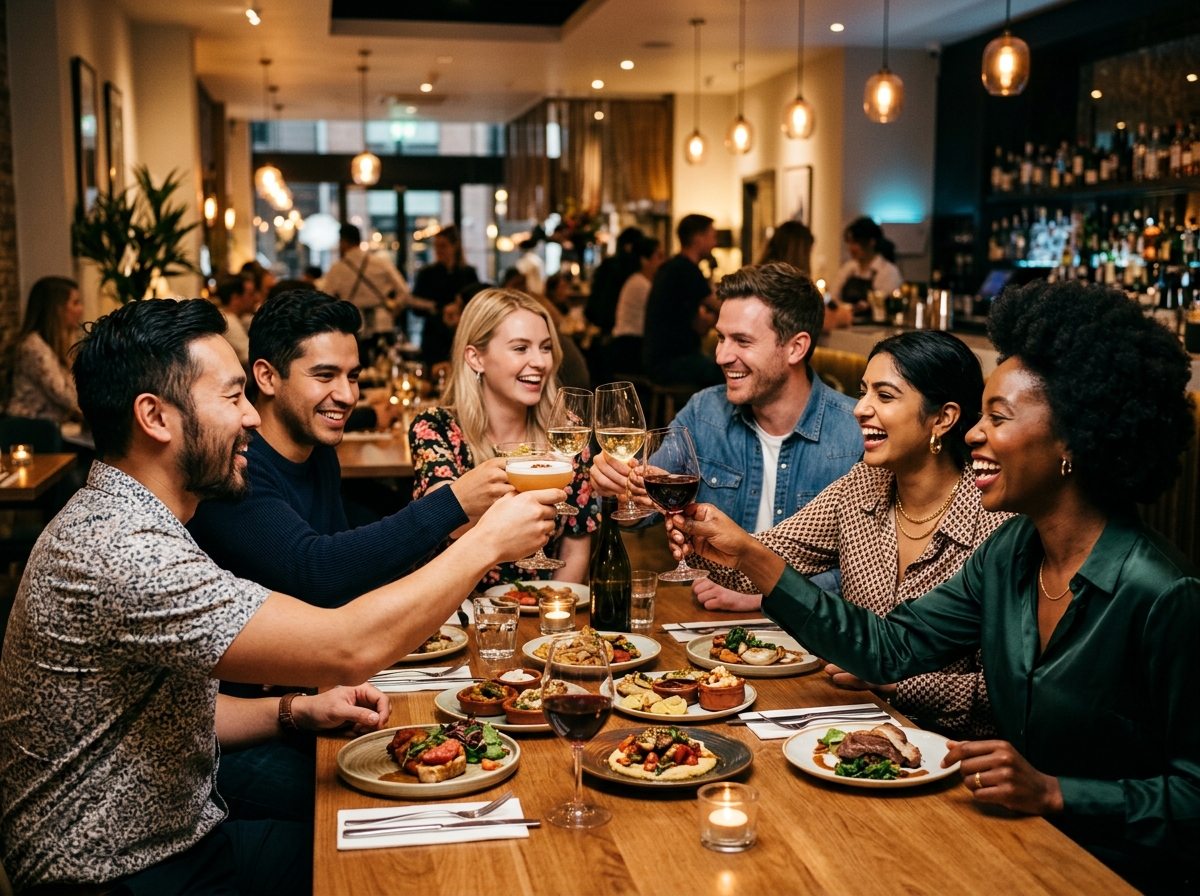
Table-Side Handheld
The full order is punched on an Android handheld without leaving the guest's table.
1-Tap KOT Firing
Confirm the order and it goes straight to the kitchen, with no trip to a terminal.
Modifier Notes
Kitchen notes like "less spicy" or "no onion" are captured live and travel with the order.
Instant Switching
Jump between tables without losing an order that's still being entered.
Durable Hardware
All-day battery and a drop-proof casing, made for a busy floor.

In more detail

Captain Ordering on a working day

Standing at the table, not walking away from it

The captain takes the order on a handheld while still facing the guests. They can answer questions about the menu, suggest a dish and read the order back, all while entering it. There's no going away to write it up.

One tap fires the KOT, so the kitchen has the ticket before the captain has finished saying "thank you".

The guests notice the difference even if they can't name it: the captain is attentive because they're not busy relaying paper.

A group of friends laughing over dinner at a restaurant table, served by a captain taking orders at the table

Everything for the table on one screen

The handheld shows the tables you're working as tabs along the top, so switching between T-05 and T-07 is a single tap, and a half-entered order is still there when you come back.

A search field takes a short code or a dish name, the running list shows quantities and prices, and the total updates as you add. When the guests are happy, one large button fires the KOT.

Notes that reach the person cooking

Kitchen notes are captured live, at the moment the guest says them, as quick chips or free text: spicy, extra mint dip, less oil, no onion or garlic (Jain). They're attached to that item, not to the order as a whole.

On the kitchen screen, the note appears right beside the dish it belongs to. The person plating a paneer tikka reads "spicy, extra mint dip" without anybody having to repeat it.

Before and after

What changes when Captain Ordering is on the job

Taking the order
Without Jamanvar: A paper pad, scribbled at the table.
With Jamanvar: A handheld, entered in front of the guest.
Reaching the kitchen
Without Jamanvar: Walk to a terminal, hand over the slip.
With Jamanvar: One tap fires the KOT to the right station.
Interruptions
Without Jamanvar: Being called away means a half-written order is lost.
With Jamanvar: Switch tables and come back to the order as you left it.
Special requests
Without Jamanvar: "No chilli" gets lost on the way.
With Jamanvar: The note is attached to the item and shown in the kitchen.

Where it fits

Restaurants that get the most out of it

  1. 01

    Full-service dine-in

    Where a captain owns a section of tables, a handheld keeps their attention on the guests and their orders accurate.

  2. 02

    Fine dining and accountable service

    Every order is tied to a captain and a table, so it's clear who took it and when it was fired.

  3. 03

    Large halls with many tables per captain

    Server assignment shows who owns which table, and quick switching keeps captains moving without losing orders.

Where it fits in the flow

Where Captain Ordering sits in the flow

Everything in the restaurant starts with an order, and Captain Ordering is the first step: the moment a guest's words become a ticket.
  1. 01
    OrderCaptain Ordering
  2. 02
    POS
  3. 03
    Kitchen
  4. 04
    Table
  5. 05
    Bill & pay
  6. 06
    Insight
Taking the order
Captains punch orders table-side on Android handhelds, with items, seat numbers and kitchen notes captured instantly and fired to the kitchen in one tap.

Getting started

Set up with you, not handed over.

We set up your menu, notes and tables on the handhelds, and train captains through video sessions or on-site until they're confident.

Most restaurants are live within 24 to 48 hours of sharing their menu and table count.

  1. 1

    Send us your menu

    A PDF, a photo or the paper menu itself. We set up your dishes, categories, spice levels, Jain options and prices.

  2. 2

    Share your tables

    Tell us your table count and sections, and we configure your floor plan and QR codes around them.

  3. 3

    Pair your hardware

    We help configure ESC/POS thermal printers, USB and LAN connections, cash drawers and kitchen tablets.

  4. 4

    Train the team

    Captains, kitchen staff and cashiers are trained by video or on-site, and we run a test billing cycle before you open.

Questions owners ask

About Captain Ordering

What devices do captains use?
Android handhelds. Jamanvar offers durable ones with all-day battery and drop-proof casing, and they're included in the hardware kits. Ask us in the demo about using devices you already have.
What happens between the captain's tap and the kitchen?
Nothing waits. The KOT goes to the right station on screen or thermal printer, and the items land on the table's live bill in POS at the same moment.
Can guests still order from their phones too?
Yes. QR Ordering feeds into the same live order flow, so captains and guests can both order at the same table and the kitchen sees one queue.
Does it still work if the internet drops?
Yes. Jamanvar is offline-first, so orders and KOTs keep working on local devices during an outage and sync afterwards.
Can a captain see which tables are theirs?
Yes. Each table shows its assigned captain, so it's clear who owns what.

See Captain Ordering with your own menu.

We'll set up a walkthrough around your actual menu, tables and hardware, and answer the questions that matter to your restaurant.